
Getting Started
Go from install to first authenticated tenant-scoped workflow with safe defaults.
Smplify CLI is the execution layer for device operations, remediation, identity, app management, tenant-scoped administration, and AI-assisted workflows built on the Smplify Platform.
The CLI gives operators, developers, and coding agents a stable, deterministic surface over the Smplify API. Instead of rebuilding auth, tenant context, retries, and request-body handling in every script, teams can execute platform actions through a consistent command model.
It is designed to sit alongside the main docs and MCP gateway: UI for operators, API for direct integrations, MCP for orchestration, and CLI for reliable execution inside terminals and automation pipelines.
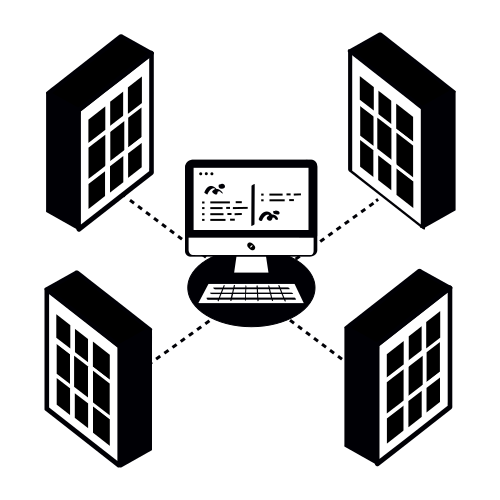
The CLI is part of the same product surface as the hosted MCP gateway and main platform documentation.
Move through getting started, install, workflows, reference, and distribution the same way you would navigate the rest of the Smplify docs system.
Go from install to first authenticated tenant-scoped workflow with safe defaults.
Use the branded endpoint, pin exact versions, and validate the release-backed path.
Review command coverage, output expectations, and controller-backed admin surfaces.
Understand release channels, rollout guidance, and the path to official packaging.
Release-backed install, stable output, tenant-aware execution, and broad controller coverage for daily platform operations.
The CLI, MCP gateway, and main docs are intentionally presented as one connected platform surface for operators, developers, and AI-native workflows.
Platform, API, and integration guidance for the broader Smplify surface.
Hosted MCP connection, security, supported tools, and reference guidance for agentic usage.